Join Contest
How to Win with FireX
Follow these 3 simple phases to start earning.
Phase 1: Get Set Up
1. Download the App: Visit FireX.site in your browser and download the official FireX APK directly to your device.
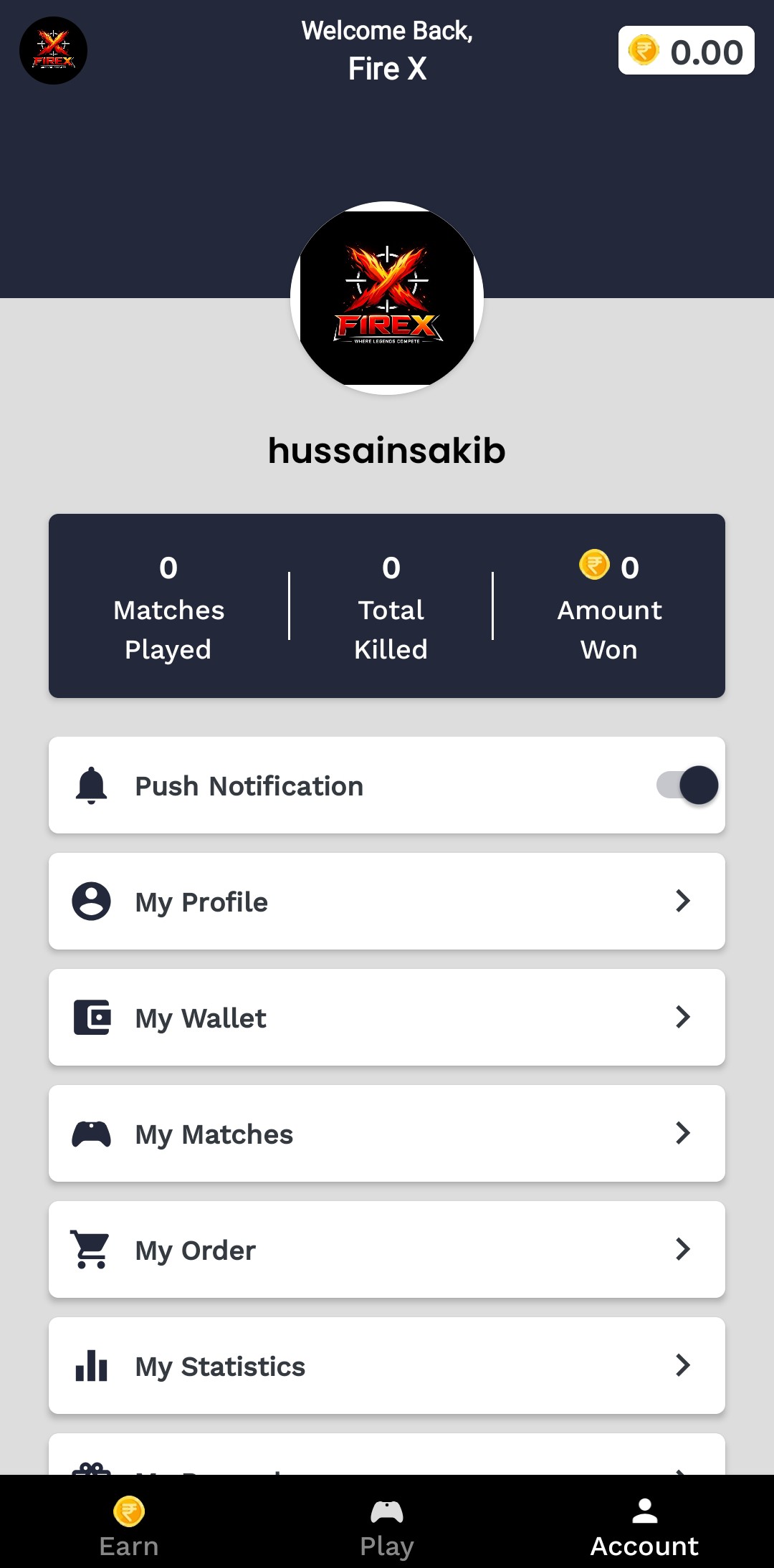
2. Quick Sign-Up: Open the app and create your account in seconds. Make sure your details are accurate so you can claim your prizes later!
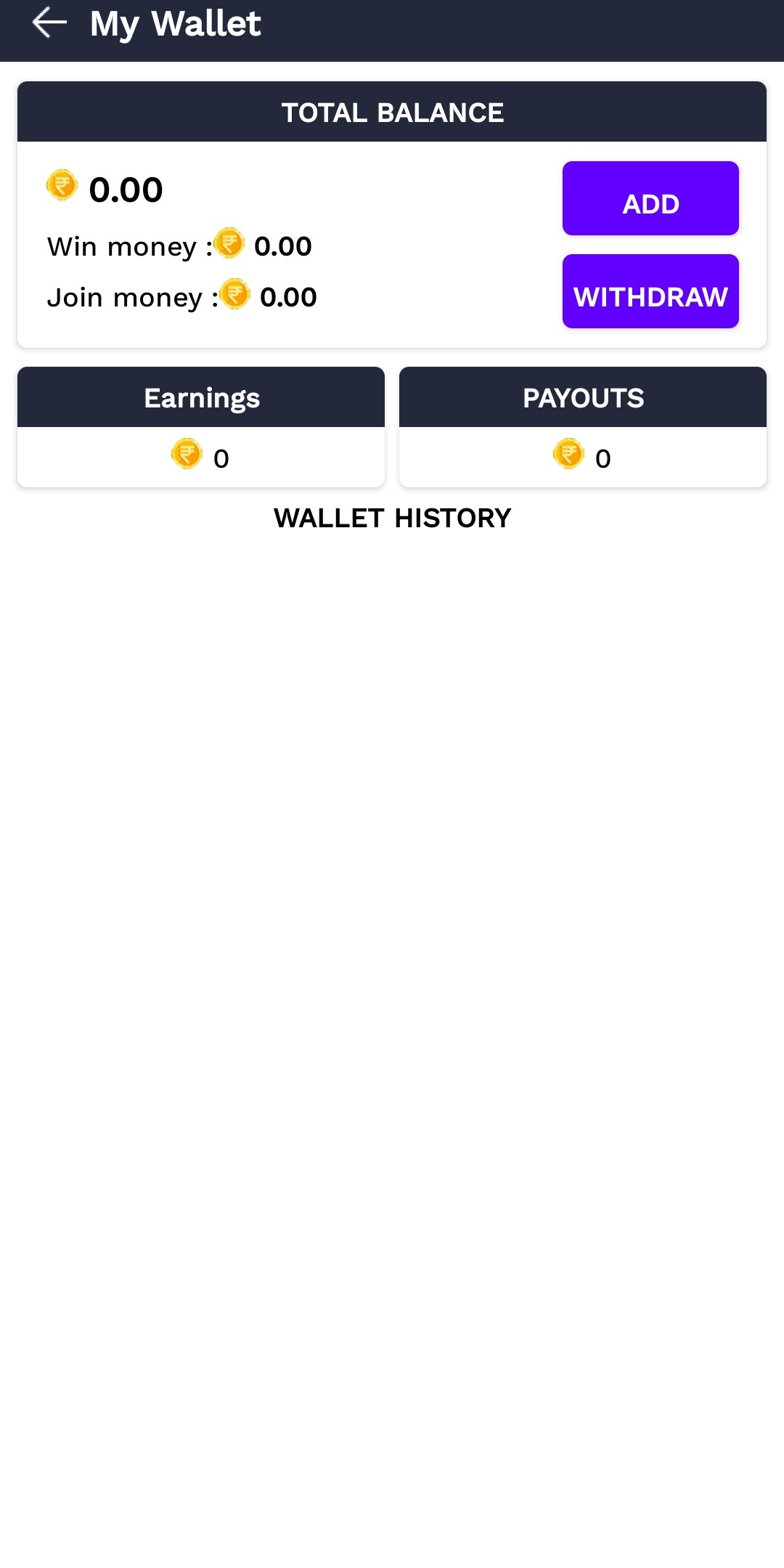
3. Top Up via UPI/QR: Navigate to your wallet to add entry funds. We support all major UPI apps and QR payments for a fast, secure experience.
Phase 2: Join the Battle
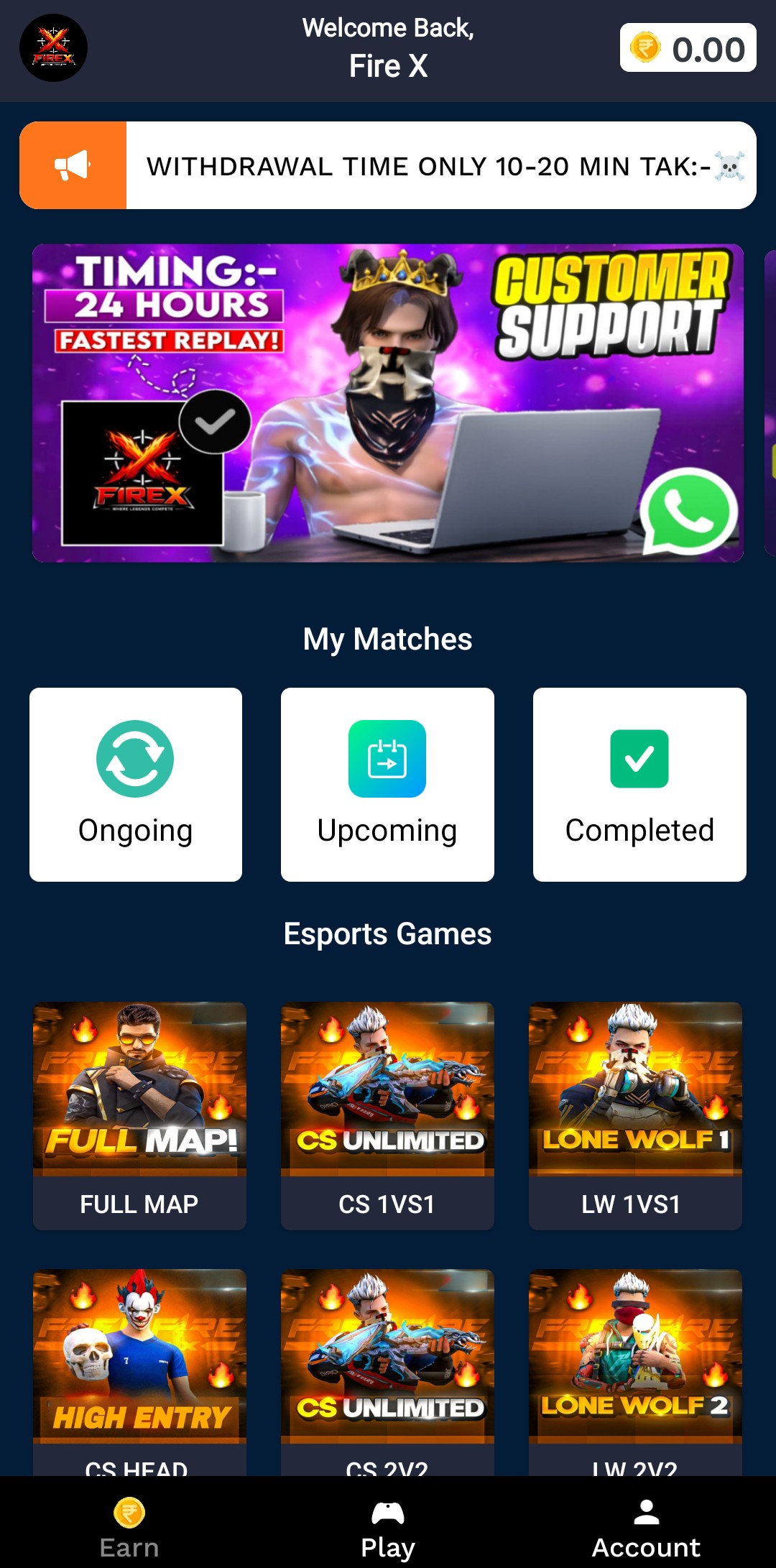
4. Browse Tournaments: Head to the "Tournaments" tab to find your favorite games. Check the entry fees, prize pools, and start times.
5. Secure Your Slot: Pick a contest, review the rules, and hit "Join." You’ll get a confirmation once your registration is successful.
6. Gear Up: Ensure your internet is stable and you're familiar with the match rules before the timer hits zero.
Phase 3: Play & Withdraw
7. Compete to Win: When the match starts, give it your all! Track your live progress and standings directly inside the FireX app.
8. Claim Your Rewards: Once the tournament ends, check "My Tournaments." Winnings are credited instantly to your FireX wallet.
9. Instant Cash Out: Withdraw your earnings to your bank account or use them to enter the next big battle!
Need Assistance?
Our support team is active and ready to help you climb the leaderboard.
WhatsApp: +91 8653010959
Email: tournamentapp699@gmail.com